
GoGuardian is the most widely used school content filter in the US — and it is significantly smarter than older blocklists. It uses AI-based content categorization, real-time screen monitoring, and domain reputation scoring to stay ahead of the cat-and-mouse game students have been playing with school IT for years.
But some games still get through. Not because of tricks or exploits, but because of where they are hosted and how GoGuardian categorizes their domains. This guide covers exactly which games reliably work on GoGuardian-filtered networks in 2026, how to understand why they work, and what the safest options look like for students, parents, and teachers.
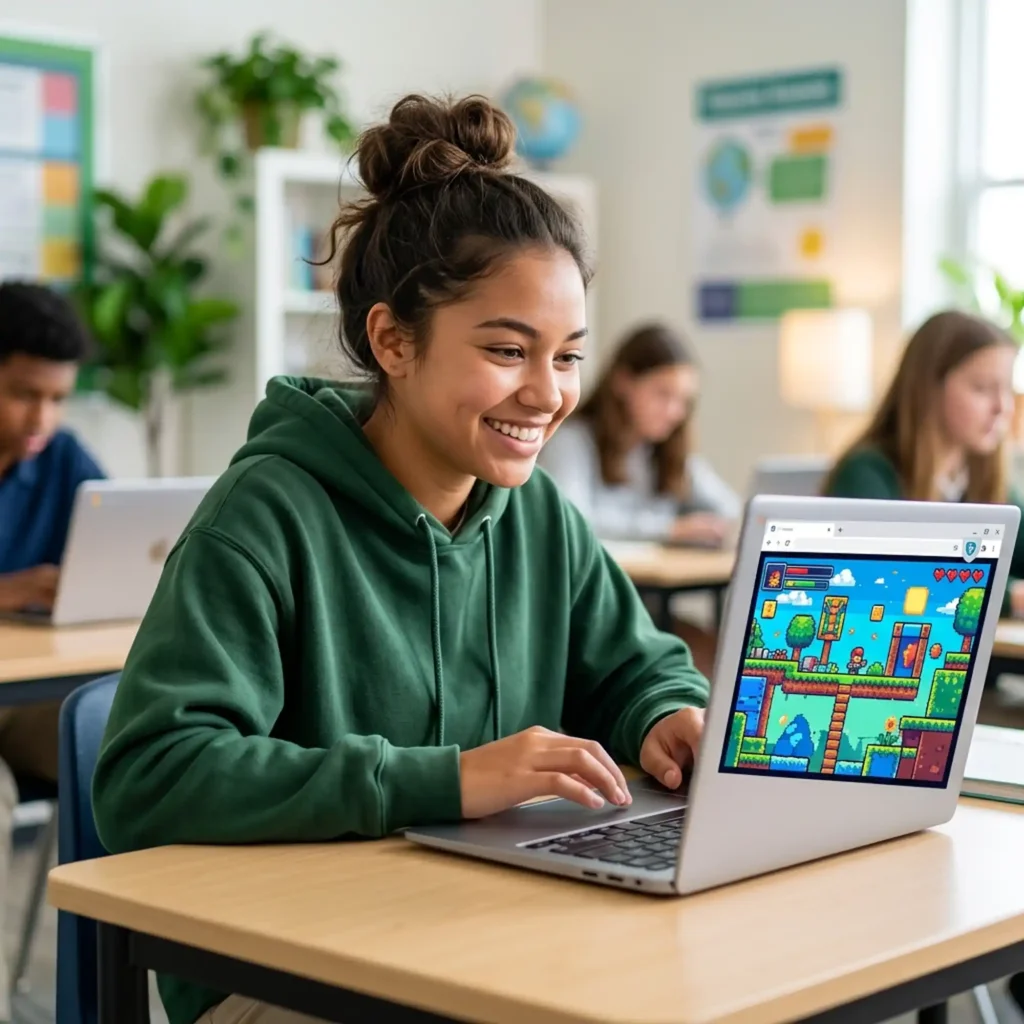
How GoGuardian Actually Blocks Games
Before the list, it helps to understand the mechanism — because knowing why something is blocked explains why some things aren’t.
GoGuardian operates at three levels:
1. Domain and URL blocking
Administrators can add specific domains to a blocklist. If coolmathgames.com is on your school’s blocklist, that URL is simply dead on your Chromebook. This is manual and varies by school.
2. Category-based filtering
GoGuardian maintains a database of millions of categorized websites — “Gaming,” “Entertainment,” “Social Media,” “Proxies,” and so on. IT administrators can block entire categories with one setting. Most schools block the “Online Gaming” and “Entertainment” categories wholesale. Any site GoGuardian hasn’t categorized gets blocked too, if the “Uncategorized” category is also blocked (common in stricter schools).
3. AI and machine learning content analysis
GoGuardian’s AI scans page content, images, and context in real time — not just the domain name. This means even if a site’s URL doesn’t look like a gaming site, if the content matches gaming patterns, GoGuardian can flag it.
What GoGuardian cannot block without breaking school tools:
Sites hosted on Google infrastructure — specifically Google Sites, Google Drive, and associated Google domains — cannot be cleanly blocked by GoGuardian without also blocking Google Classroom, Google Docs, and every other Google tool the school depends on. This is the structural reason game portals hosted on Google Sites often remain accessible.
Games That Are Not Blocked by GoGuardian in 2026
These games pass GoGuardian filters at most schools because they are hosted on trusted, whitelisted, or uncategorized-as-gaming domains. Specific school policies vary — no list can be guaranteed for every network — but these are the most consistently accessible in 2026.
🏆 Tier 1: Almost Always Unblocked (Actively Whitelisted)
These sites are so thoroughly associated with educational activity that most school IT departments have explicitly whitelisted them.
Chess.com
Chess is universally recognized as educational — it builds strategic thinking, math reasoning, and focus. IT departments have been getting teacher and administrator requests to whitelist Chess.com for years. As a result, it sits on more school whitelists than almost any other game site. The free tier includes live multiplayer, puzzles, computer opponents at adjustable difficulty, and daily challenges. No download, no account required to play.
Lichess.org
An open-source, fully free, ad-free chess server. Because it carries no advertising and has a clean, minimal interface, it rarely gets flagged. Most GoGuardian filters that allow Chess.com also allow Lichess. It includes puzzles, analysis boards, and tournaments — all free.
NYT Games — nytimes.com/games
Wordle, Connections, Mini Crossword, Spelling Bee, and Strands are all hosted on the New York Times domain. nytimes.com is one of the most trusted news domains on the internet — it is almost never on a school blocklist, and GoGuardian categorizes it as “News” rather than “Gaming.” One puzzle per day keeps sessions short and purposeful. Wordle has even been used as a classroom vocabulary warm-up.
Coolmath Games — coolmathgames.com
The original school-safe gaming platform. The word “math” in the name earned it whitelist status at districts across the country before category-based filtering even existed, and the reputation has held. Coolmath Games hosts hundreds of puzzle, logic, strategy, and skill games including Run 3, Fireboy & Watergirl, Bloxorz, and Snake — all HTML5, all free, no account needed.
Hooda Math — hoodamath.com
An educational games site built explicitly for school use, categorized as an educational platform by most content filters. Math games, logic puzzles, and skill-builders. It is literally designed to pass school filters.
Typeracer — typeracer.com
Competitive multiplayer typing races where you type a passage as fast and accurately as possible. GoGuardian and most content filters categorize this as a typing or productivity tool, not a game — which is why it stays accessible. Also genuinely improves your WPM.
Nitro Type — nitrotype.com
Another typing race game, built with classroom integration in mind. Many schools use it as a keyboard curriculum tool. It has a teacher dashboard and class assignment features, which means it is often explicitly whitelisted by teachers, not just tolerated by filters.
Best Unblocked Games for School 2026 — 50 Games That Actually Work
🟡 Tier 2: Usually Unblocked (Low-risk Domains / Not Categorized as Gaming)
Sporcle — sporcle.com
A trivia and quiz platform with thousands of quizzes on geography, history, science, sports, and pop culture. GoGuardian typically categorizes it as “Education” or “Reference” rather than gaming. Short, timed quizzes feel enough like studying that it rarely gets flagged — or challenged.
GeoGuessr — geoguessr.com
You are dropped into a random Google Street View location anywhere on Earth. Use landscape, road signs, architecture, and vegetation clues to guess where you are. Genuinely educational — it has been explicitly whitelisted at thousands of schools for use in geography and social studies classes. The free version allows a limited number of rounds per day.
Infinite Craft — neal.fun/infinite-craft
Hosted on neal.fun — a domain that looks like a creative interactive tool rather than a games site to content filters. GoGuardian categorizes neal.fun as a creative or experimental web project, not a gaming portal. Combine four elements (Earth, Wind, Fire, Water) and discover what you can create. One of the biggest viral games of 2026.
MIT Scratch — scratch.mit.edu
Students can search and play thousands of user-made browser games on Scratch’s platform. Because Scratch is a computer science curriculum tool used in classrooms worldwide, its domain is almost universally whitelisted. You are playing games on what GoGuardian sees as an educational coding platform.
Sprunki — available on multiple platforms
The viral music-mixing game of 2026. Because Sprunki operates as a creative sandbox (mix sounds, build beats, combine characters) rather than a traditional game, several of its hosting platforms pass GoGuardian’s category filters. Worth checking — its categorization varies by host.
🟢 Tier 3: Often Accessible via Google Infrastructure
Google Sites game portals (Classroom 6x and similar)
Game portals hosted on sites.google.com benefit from a structural filtering problem: GoGuardian cannot block sites.google.com without also blocking Google Classroom, Google Forms, and Google Slides — tools schools depend on daily. As a result, many game portals hosted on Google Sites remain accessible even on strict networks.
Sites in this category include Classroom 6x and various student-built game mirrors. The library of available games varies, but common titles include Slope, Run 3, and various arcade games.
VIRLAN Unblocked Games — virlan.co/unblocked-games
VIRLAN’s unblocked games section is a curated, HTTPS library of HTML5 browser games organized by genre — puzzle, multiplayer, action, sports, strategy, and more. The domain is clean, the content is appropriate, there are no intrusive ads or download prompts, and the games run entirely in-browser. Whether it passes GoGuardian at your specific school depends on your IT department’s settings, but it is among the better-maintained dedicated game platforms in 2026.
Games That Get Blocked Most Often
For context — these are the titles GoGuardian most reliably catches, because they are hosted on domains that have been flagged across thousands of school networks:
| Game | Why It Gets Blocked |
|---|---|
| 1v1.LOL | Domain widely categorized as online gaming; frequently on manual blocklists |
| Krunker.io | .io domains are heavily flagged as online gaming |
| Shell Shockers | Shooter content; domain blocked at most schools |
| Roblox | Heavily blocked; dedicated Roblox domain is on virtually every school blocklist |
| Slither.io / Agar.io | .io gaming domains, widely blocked by category |
| Unblocked Games 66 | “Unblocked games” in the name; flagged by keyword filtering |
Why “Unblocked” in the URL is Counterproductive
GoGuardian’s keyword filtering can flag URLs containing terms like unblocked, games, proxy, or mirror. Sites that advertise themselves as GoGuardian bypass tools — especially browser extensions — are detected and blocked, and attempting to install them on a school-managed Chromebook is typically flagged to administrators immediately.
The games that reliably work in 2026 are not the ones trying to hide — they are the ones hosted in places GoGuardian has no good reason to block.
For Students: How to Know Before You Try
Before loading a new game site on a school network, ask:
- Is the domain primarily known for something other than gaming? (nytimes.com, chess.com, scratch.mit.edu — yes. slither.io — no.)
- Is it hosted on Google infrastructure? Google Sites-hosted content benefits from the whitelist conflict described above.
- Does the URL contain “unblocked,” “games,” or “proxy”? If yes, GoGuardian’s keyword filter may catch it even if the domain is otherwise clean.
- Has GoGuardian seen the domain before? Newer, smaller domains may not be in GoGuardian’s database — but schools with “block uncategorized sites” enabled will catch those too.
For Teachers: Getting a Game Legitimately Whitelisted
The fastest route to having a game accessible for your class is a whitelist request through your IT department. Administrators can whitelist specific domains in their GoGuardian policy settings within minutes.
Games that have been successfully whitelisted at schools across the US:
- GeoGuessr — geography curriculum, travel electives, social studies
- Typeracer / Nitro Type — keyboarding and computer skills classes
- Chess.com / Lichess — math enrichment, chess clubs, gifted programs
- Wordle (NYT) — vocabulary warm-ups, English classes
- Coolmath Games — math intervention, Friday reward time
A one-paragraph justification citing educational application is usually enough for IT to act within a school day.
Are Unblocked Games Safe? What Parents & Teachers Need to Know (2026)
FAQ
The most reliably unblocked games in 2026 are Chess.com, Lichess, NYT Games (Wordle, Connections, Spelling Bee), Coolmath Games, Hooda Math, GeoGuessr, Typeracer, Nitro Type, and Infinite Craft on neal.fun. Google Sites-hosted game portals like Classroom 6x also frequently work.
At most schools, no — Coolmath Games has been whitelisted by IT departments for years because of its educational reputation. There are exceptions on the strictest networks, but it is among the safest game sites to try.
Almost never. Chess.com is actively whitelisted at thousands of schools because chess is considered educationally valuable. It is the single most reliably accessible gaming site on GoGuardian-filtered networks.
GoGuardian cannot block the entire sites.google.com domain without disrupting Google Classroom and other school tools. This is why game portals hosted on Google Sites frequently remain accessible.
Yes — GoGuardian Teacher gives teachers a real-time view of every open browser tab during class sessions. Your school’s administrators also have access to full browsing history. Assume your activity on school-managed devices is visible.
Technically, it depends on your school’s acceptable use policy. The filter not blocking something does not mean the school permits it — especially during class time. During free periods, lunch, and study halls, most schools allow recreational browsing. During class, even a whitelisted site can get you in trouble if a teacher sees it.
Chess.com is the safest bet — whitelisted, educational, and genuinely good. For a broader game library, VIRLAN Unblocked Games offers a well-organized, ad-light selection of HTML5 browser games across every genre.
Browse a curated library of free, browser-based games at VIRLAN Unblocked Games — organized by genre, no downloads, no account required, playable on any school Chromebook.