
The short answer: it depends entirely on the platform.
Some unblocked game sites are perfectly safe — well-maintained, ad-light, hosting only appropriate content, and used by millions of students every day. Others are a different story: aggressive ad scripts, malware-laden banners, fake download buttons, and privacy trackers buried in the code.
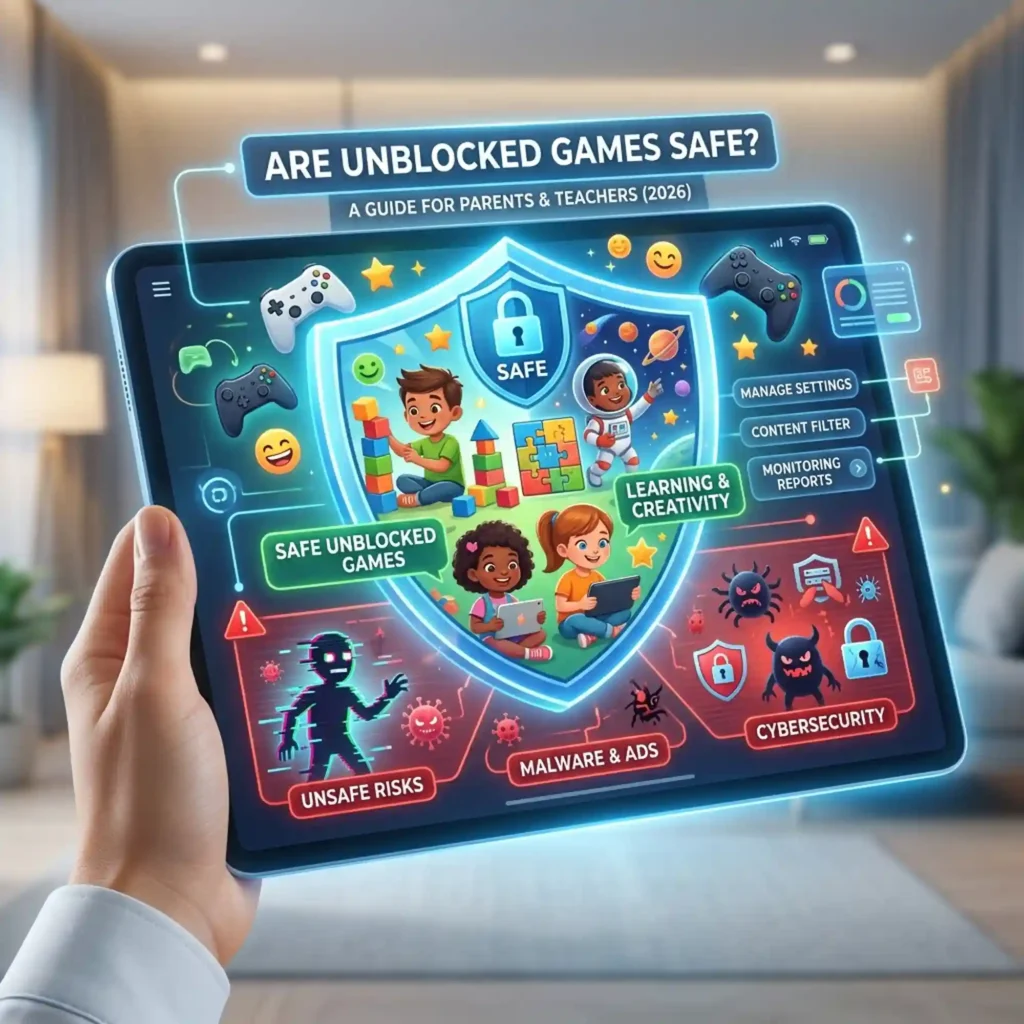
This guide covers exactly what makes an unblocked game site safe or unsafe, how school content filters actually work, what parents should watch for, and what teachers need to know about monitoring in 2026.
What Are Unblocked Games, Exactly?
Unblocked games are browser-based games — built in HTML5 and JavaScript — that play directly inside a web browser tab without requiring any download, app, or plugin. Because they load like an ordinary webpage, school content filters sometimes can’t distinguish them from regular web traffic.
The term “unblocked” simply means the game is accessible on a network that typically blocks gaming sites. It says nothing about the quality, safety, or appropriateness of the content — which is exactly why the platform matters.
Are Unblocked Games Safe? The Honest Answer
Safe platforms exist — and unsafe ones do too. Here is what actually separates them:
✅ Signs a Site Is Safe
- No download prompts. A legitimate browser game runs entirely in the tab. Any prompt to download a file, install an extension, or run a program is a red flag.
- HTTPS in the URL. Look for the padlock icon. An unencrypted HTTP site can expose your data to anyone monitoring the network.
- Minimal, non-intrusive ads. Responsible platforms use basic display ads. Pop-ups, full-page takeovers, and “click to continue” redirects are warning signs.
- No account or personal information required. Safe game sites let you play immediately with no sign-up, no email, no profile.
- A real privacy policy. It should tell you clearly what data (if any) is collected and how it is used.
- Games appropriate for the audience. A school-focused platform will clearly avoid violent, adult, or gambling-style content.
⚠️ Signs a Site Is Risky
- Aggressive pop-up ads or redirect loops. These often lead to phishing pages or trigger unwanted downloads.
- Fake “play” buttons. A common trick — the real play button is hidden; the large button in the center of the screen is actually an ad or a download prompt.
- “Unblock” browser extensions. Any site that asks you to install a Chrome extension to access its content should be avoided immediately. Security researchers and school district IT teams consistently flag these as the single biggest source of student account compromises.
- Free VPN or proxy bundled with the site. Free proxies monetize through data collection. Several have been linked to credential theft.
- Sites with “66,” “99,” or “premium” in the name that weren’t the original. Clone sites mimicking popular platforms are common in this niche and often serve malware.
How School Content Filters Work in 2026
Most schools in 2026 use one of three major filtering systems:
GoGuardian is the most widely used K-12 content filter in the US. It runs as a Chrome extension on school-managed Chromebooks and monitors browser activity in real time. Teachers can see every open tab on every student’s device. The system flags gaming, entertainment, and social media sites and can block them instantly.
Securly operates as a cloud-based filter on the school’s Wi-Fi network. Any device connected to that network — including personal phones — can be affected. Securly maintains blocklists of known gaming and entertainment domains.
Lightspeed Systems is a firewall-level filter used by larger school districts. It blocks entire categories of sites at the network level and can be very difficult to work around without leaving obvious evidence.
These systems block by domain name, URL pattern, site category, and content history. They do not block “games” as an idea — they maintain lists of known gaming domains and flag new ones as they appear. That is why HTML5 games on trusted educational domains (Coolmath Games, Chess.com, MIT Scratch) often stay accessible: the filter sees a whitelisted domain, not a game.
The Safest Unblocked Game Platforms in 2026
These platforms are considered safe by parents, teachers, and IT administrators — not just accessible, but genuinely appropriate:
| Platform | Why It’s Trusted |
|---|---|
| VIRLAN Unblocked Games | Curated library, no intrusive ads, no download prompts, HTTPS, appropriate content for students |
| Coolmath Games | Legacy educational platform — whitelisted at most schools, genuine puzzle and logic games |
| Chess.com | Actively whitelisted by IT administrators at thousands of schools; widely considered educational |
| NYT Games (Wordle, Connections) | Hosted on nytimes.com — one of the least-blocked domains on earth; one puzzle per day |
| Typeracer | Classified as a typing tool by most content filters; legitimately educational |
| MIT Scratch | Student-built games on a trusted educational domain |
| Sporcle | Quiz-format games that look indistinguishable from studying |
What Parents Should Know
The Risk Is Real — But Manageable
Unblocked games as a category are not inherently dangerous. The risk comes from low-quality sites that use the traffic to serve aggressive advertising or collect data without consent. A student playing Slope or 2048 on a reputable platform like VIRLAN is exposed to essentially no more risk than visiting any other mainstream website.
The actual risks to watch for:
Adware and browser hijacking — happens when a student clicks a fake “play” button that triggers a download. Modern browsers (Chrome, Firefox, Edge) will usually warn before running downloaded files, but not always. If your child’s browser starts behaving strangely — unexpected toolbars, new homepage, lots of pop-ups — check for recently installed extensions.
Data collection — some gaming sites collect browsing data through third-party tracking scripts and sell it to advertisers. This is legal and disclosed in privacy policies, but parents should know it happens on poorly maintained sites. Platforms like VIRLAN, Chess.com, and Coolmath Games do not do this.
Content appropriateness — the “unblocked games” label covers everything from Wordle to first-person shooters to games with gambling mechanics. A curated platform with age-appropriate content curation is significantly different from a raw aggregator that hosts anything.
Proxy sites and VPN extensions — if your child is using a free VPN or a “game unlocker” browser extension, that is the highest-risk behaviour in this category. Free VPNs and browser extensions that promise to unblock sites have been repeatedly linked to data collection and credential theft. Discourage these specifically.
A Practical Conversation to Have
Rather than an outright ban — which rarely works and tends to push kids toward riskier workarounds — many parents and educators find it more effective to:
- Name the platforms that are okay (VIRLAN, Coolmath Games, Chess.com)
- Explain clearly why proxy sites and “unblock” extensions are not
- Keep gaming to free time, not class time
- Check browser extensions periodically — a clean browser is a safer browser
What Teachers Need to Know
GoGuardian Sees Everything (During School Hours)
If your school uses GoGuardian, you likely already have a real-time dashboard showing every student’s open tabs during class. GoGuardian also logs browsing history. Students playing games during class are visible to you — and the system can be configured to send you alerts or block specific categories automatically.
Outside of class — free periods, lunch, study hall — the same filter may still be active on school-managed devices, but the oversight intensity is lower and the policy expectations are different. Many school acceptable use policies permit recreational browsing during unstructured time.
The Whitelist Is Your Friend
If there is a game or platform you want students to be able to access — for a class activity, a reward, or a structured break — the fastest route is a whitelist request through your IT department. IT teams routinely grant these for teacher-justified educational use.
Games that have successfully been whitelisted at schools across the US include:
- GeoGuessr — geography skill-building, used in social studies and travel electives
- Typeracer and Nitro Type — keyboarding practice, used in computer skills classes
- Chess.com — math and strategic thinking, used by chess clubs and gifted programs
- Wordle and NYT Connections — vocabulary and logic, used as daily warm-ups
Unblocked Games as a Classroom Management Tool
A small but growing number of teachers use structured game time as a classroom incentive — five minutes of Wordle or 2048 for a class that finishes work early. Platforms like VIRLAN, with their organized genre libraries and no-account-needed access, work well for this: no logins to manage, no inappropriate content to monitor, and games short enough to start and stop in minutes.
The Safest Games to Recommend to Students
If you are a parent or teacher looking to steer students toward the least-risky options, these are the standout choices:
- Wordle — hosted on nytimes.com, one puzzle per day, genuinely educational
- Chess.com — whitelisted at most schools, no ads in the free tier, skill-building
- GeoGuessr — geography, real-world visual literacy, low risk
- Typeracer — typing practice with a game layer, often permitted as productive
- 2048 — number puzzle, math-adjacent, short sessions
- Coolmath Games (Fireboy & Watergirl, Run 3, Bloxorz) — curated platform with educational branding
- VIRLAN Unblocked Games — well-maintained, genre-organized, no download prompts, appropriate content
FAQ
Yes. Playing browser-based games is entirely legal. It may violate your school’s acceptable use policy — especially during class — but it is not against the law. The games themselves are public web pages like any other.
On reputable platforms, no. Browser-based HTML5 games cannot install anything on your computer without your explicit action (like downloading a file or installing an extension). The risk comes from clicking ads on low-quality sites or installing “unblock” extensions — not from the games themselves.
Yes, if they use GoGuardian or similar monitoring software. GoGuardian shows teachers a real-time feed of every open browser tab on school-managed Chromebooks and logs full browsing history. Assume your school can see your activity on school devices and school networks.
It depends on the game and the platform. A curated platform like VIRLAN or Coolmath Games hosts age-appropriate content. A raw aggregator site may include shooters, gambling mechanics, or mature themes. Always preview the platform before recommending it to younger students.
Chess.com and Coolmath Games are the most widely whitelisted. For a broader game library with clear content standards, VIRLAN Unblocked Games is a strong choice — free, no account needed, organized by genre, and maintained specifically for school-appropriate play.
Not categorically. The concern is less about “unblocked games” as a concept and more about which sites a student is using. Proxy sites and “unblock” browser extensions carry real risk. Reputable gaming platforms do not. The conversation to have is about platforms, not a blanket ban.
Looking for safe games your student can actually play? Browse the full library at VIRLAN Unblocked Games — curated, free, no account needed, and playable on any school Chromebook.
Best Unblocked Games for School 2026 — 50 Games That Actually Work
1 Comment