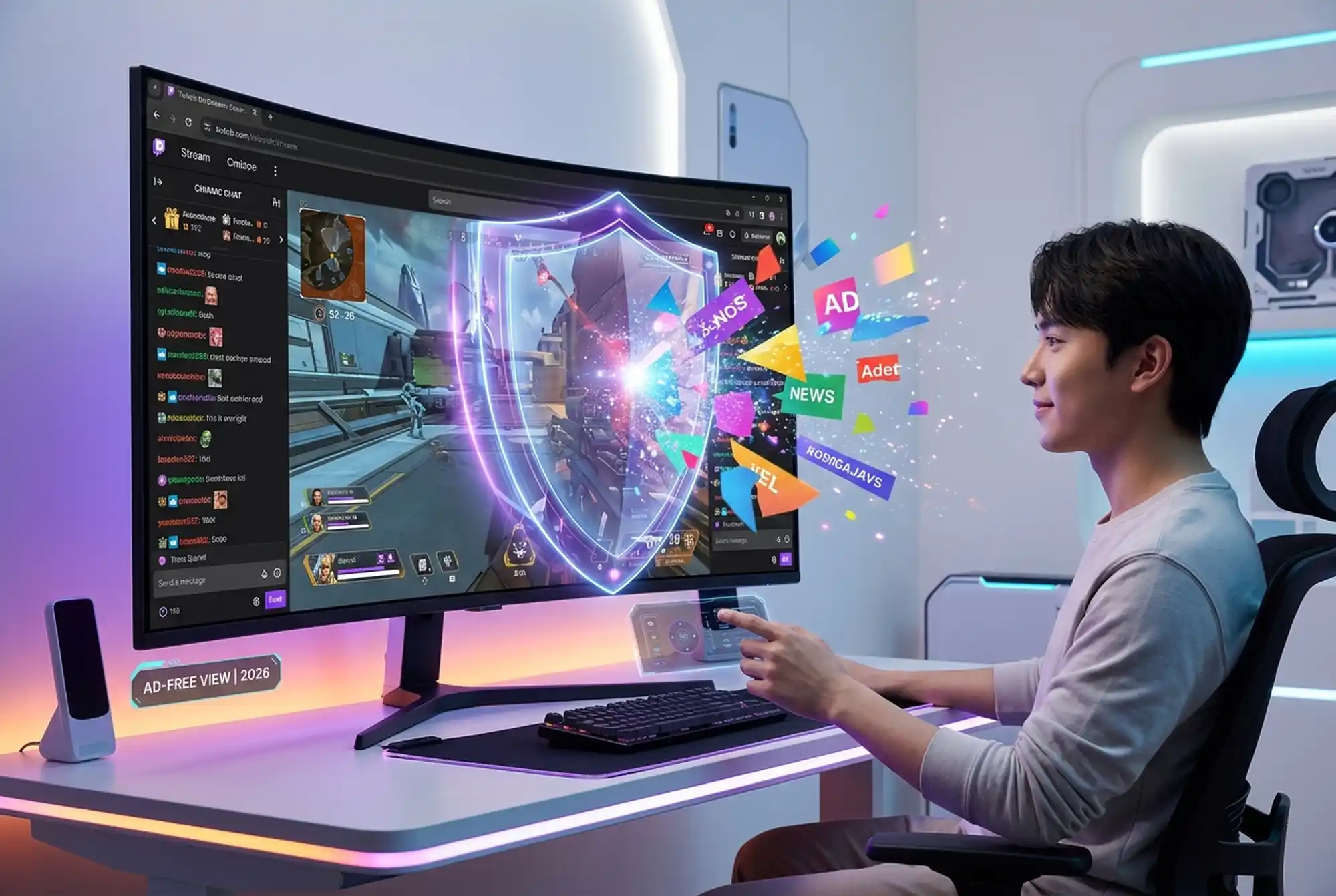
If you’ve watched Twitch for more than five minutes, you know about the ads. Pre-roll ads before streams start. Mid-roll ads in the middle of important moments. Ads on ads. For viewers just trying to watch their favorite streamer, it’s frustrating. For ad-blocking extensions, it’s become an arms race that Twitch is winning.
The honest truth: traditional adblockers don’t work reliably on Twitch anymore, and they might never again. But that doesn’t mean you’re stuck watching ads. There are real alternatives — they just come with tradeoffs.
Why Twitch Ads Exist (And Why They’re Hard to Block)
Twitch runs on advertising revenue. Streamers earn money through subscriptions, bits, and channel sponsorships, but Twitch itself makes money primarily through ads shown to viewers. That’s why the platform has become increasingly aggressive about showing ads and increasingly sophisticated about preventing ad blocking.
The Technical Problem With Blocking Twitch Ads
Most traditional adblockers (uBlock Origin, AdBlock Plus, etc.) work by identifying ad elements on a webpage and hiding or preventing them from loading. This works great on static websites where ads are served from predictable sources.
Twitch is different. Here’s why blocking ads on Twitch is so hard:
- Ads are served through Twitch’s own infrastructure — not from external ad networks that are easy to block. The ads come from the same servers as the actual video stream, making them nearly impossible to block without breaking the stream itself.
- The ad check is server-side — Twitch determines whether to serve ads before the video even reaches your browser. It’s not something your browser extension can intercept or prevent; the decision has already been made.
- Twitch actively updates its anti-adblocking code — Unlike websites that forget about adblockers, Twitch actively develops technology to detect and circumvent ad blockers. When a blocker finds a workaround, Twitch patches it within days or weeks.
- Your account is tied to your ads — Twitch tracks which ads you should see based on your account, not your browser. Even if you somehow block an ad from loading, Twitch has already counted you as having seen it for licensing purposes.
The result: Every “trick” to block Twitch ads is temporary. Ad blockers find a workaround, Twitch patches it, and the cycle repeats. Some methods might work for a few weeks or months, but the lifespan of any Twitch adblocker workaround is measured in months at best.
What Is Twitch? The Beginner’s Guide to the World’s Biggest Streaming Platform (2026)
Why Most Traditional Adblockers Fail on Twitch
You might have heard that uBlock Origin or other popular blockers work on Twitch. Maybe they did at some point. Here’s what actually happens:
Early 2024–2025: Someone discovers a workaround. Twitch serves ads through a specific URL pattern that can be blocked. Adblocker maintainers add filters. For a few months, it works.
Late 2025–2026: Twitch updates its ad delivery system. The ad sources change. The blockers no longer recognize the ads. People complain on Reddit. New filters get added, and it works again for a few months.
The pattern repeats. This cat-and-mouse game has been going on for years, and every iteration of the game, Twitch gets better at detecting blockers and serving ads in ways they can’t intercept.
The bottom line: You cannot reliably block Twitch ads with a browser extension in 2026. Any guide claiming otherwise is either outdated or promoting a blocker that will stop working within months. It’s not worth your time to chase workarounds.
How Much Do 100 Gifted Subs Cost on Twitch? (And Are They Worth It?)
What Are Your Real Options?
If you hate ads on Twitch, here are the options that actually work:
Option 1: Twitch Turbo ($8.99/month)
This is the most straightforward solution Twitch offers: pay for an ad-free experience.
What you get:
- No ads at all (except ads the streamer runs manually, if they choose)
- A Turbo badge next to your name in chat
- Custom colors in chat
- Longer VOD storage time
- Ad-free experience across the entire Twitch platform
The tradeoff: You’re paying Twitch money. Twitch keeps all of it. Streamers don’t receive a cut of Twitch Turbo revenue.
Is it worth it? If you watch Twitch regularly (5+ hours a week), probably yes. Eight dollars a month beats sitting through ads every stream. If you watch occasionally, it might be overkill.
Option 2: Subscribe to Individual Channels
Most streamers have subscription tiers starting at Tier 1 ($4.99/month). When you subscribe to a channel, you get:
- Ad-free viewing on that specific channel
- Channel-specific emotes
- A subscriber badge
- Subscriber-only chat access
The benefit over Turbo: About half of your subscription fee goes directly to the streamer (they get approximately 50% of the sub revenue, while Twitch keeps the other half). So if you watch one streamer a lot, your money actually supports them.
The tradeoff: This only works for the one channel you subscribe to. Other channels still show you ads. And it’s not cheaper than Twitch Turbo unless you’re only watching one streamer.
Is it worth it? If you have a favorite streamer you watch regularly, yes. It’s a way to both remove ads and directly support them financially.
Option 3: Prime Gaming Subscription
If you have an Amazon Prime membership (or Prime Video standalone), you get one free Tier 1 sub per month through Prime Gaming.
What you get:
- One free Tier 1 subscription per month
- The streamer gets a cut
- Ad-free viewing on that one channel
The tradeoff: You only get one free sub per month, so you’re only ad-free on one channel. It’s better than nothing if you already have Prime, but it’s not a complete solution.
Is it worth it? As a bonus if you already have Prime, absolutely. As the only reason to get Prime? No.
Option 4: Browser Workarounds (Temporary and Inconsistent)
There are a few technical workarounds floating around on Reddit and tech forums. Some involve:
- Specific adblocker filter lists that temporarily work
- Using a VPN or proxy (though Twitch actively blocks proxies)
- Disabling JavaScript on Twitch (this breaks the stream player)
- Using old browser versions (security nightmare)
Why not to use these:
- None of them are permanent. They break within weeks or months when Twitch updates.
- Some involve security risks (outdated browsers, VPNs from sketchy sources)
- They require constant tinkering and updates as Twitch changes its code
- They’re not much better than just watching ads for a few minutes
If you want to go down this road, you’ll be constantly chasing solutions. It’s not a sustainable way to view Twitch in 2026.
How to Stream on Twitch: Complete Setup Guide for PC & Console (2026)
The Trade-Off: Blocking Ads vs. Supporting Creators
Here’s the thing many viewers don’t realize: ads are how Twitch pays for its servers and infrastructure. When you watch ads, that generates revenue that Twitch uses to host streams, run the platform, and pay content moderation teams.
When you block ads, you’re reducing the revenue that goes to both Twitch and the streamer. In fact, most of that ad revenue doesn’t go to the streamer anyway — it goes to Twitch. But some of it does.
The ethical breakdown:
- Watching ads: You see ads, Twitch and the streamer get paid, you get a free viewing experience
- Blocking ads: No ads, but the streamer makes less money from ad revenue (though they can make up for it through subs and bits)
- Subscribing or using Turbo: No ads, and the streamer/Twitch gets paid directly
Many streamers say they’d rather you subscribe or use Turbo than use an adblocker. Others say “just use an adblocker, that’s fine.” It depends on the streamer.
What’s Twitch’s Stance on Adblockers?
Twitch doesn’t explicitly ban accounts for using adblockers (they can’t really tell, and banning people for it would be bad PR). But Twitch is very clear that ad blocking violates their Terms of Service, which state that you agree to watch ads as part of using the platform.
In practical terms, Twitch is doing everything it can to make adblockers not work, rather than chasing down individual users. It’s a technological arms race, not a ban-and-suspend situation.
What Is Twitch? The Beginner’s Guide to the World’s Biggest Streaming Platform (2026)
Frequently Asked Questions
Unlikely. Twitch has too much money and engineering power invested in anti-adblocking technology. They’ll always be ahead of the blockers. Someone might find a workaround for a few months, but it won’t last.
If you watch Twitch more than 5 hours a week, yes. If you watch less frequently, maybe not.
Sometimes, for a little while. But Twitch actively blocks VPNs and proxies, so this isn’t reliable. Don’t rely on it.
No. If an ad doesn’t show, no one makes money from it. That’s why ad blockers hurt streamers’ revenue.
Twitch Turbo is your best bet. Subscribe to multiple channels if you want to support specific streamers directly.
Technically yes, but it’s a terrible idea for security reasons. Old browser versions have security vulnerabilities that make you vulnerable to hacking.
Not reliably. Twitch has made sure of that. Your options are paid (Turbo), indirect (Prime Gaming), or supporting individual creators (subscriptions).
That works, but you still have to sit through them. Might as well just let them play in the background while you check your phone.
The Honest Bottom Line
In 2026, your options for blocking Twitch ads boil down to:
- Pay for it. Turbo ($8.99/month) or individual channel subscriptions ($4.99/month minimum)
- Use Prime Gaming. One free sub per month if you have Amazon Prime
- Accept the ads. They’re usually short, and Twitch needs the revenue to keep the platform running
- Chase temporary workarounds. Which will stop working within weeks or months
There is no magic solution that lets you have ads-free viewing forever without paying. Twitch made sure of that. The company invests millions in preventing ad blocking, and they’re winning that war.
If watching a few minutes of ads bothers you more than the thought of $9/month, Turbo is worth it. If you love a specific streamer, subscribing supports them directly. If you have Prime and want one channel ad-free, Prime Gaming works.
But trying to find the “perfect adblocker” for Twitch in 2026 is a waste of time. The technology just isn’t there anymore.

Leo Falsafi is a digital marketing veteran and senior journalist at Virlan.co, where he covers the intersection of digital marketing, gaming, and breaking US trending news. With nearly two decades of hands-on experience in SEO and digital strategy, Leo has consulted for and scaled hundreds of companies. His deep industry roots allow him to deliver sharp, fact-checked insights and analysis on the trends shaping today’s digital landscape.


[…] Twitch Adblock: What Viewers Need to Know in 2026 […]
[…] Twitch Adblock: What Viewers Need to Know in 2026 […]
[…] Twitch Adblock: What Viewers Need to Know in 2026 […]