In 2026, untangling yourself from an AI subscription shouldn’t require a master’s degree in computer science. Yet, thousands of users attempting to figure out how to cancel their ChatGPT subscription are running into invisible walls, missing buttons, and frustrating billing loops.
As OpenAI continues to aggressively restructure its paid tiers—including launching a massive $100-per-month ChatGPT Pro tier on April 9, 2026, and slashing the newly rebranded ChatGPT Business to $20 a seat earlier that same month—their user interface for managing these premium services has become notoriously fragmented. The situation has grown so convoluted that rival AI firm Anthropic recently launched a targeted “memory import” feature, specifically designed to poach frustrated ChatGPT Plus users by allowing them to port their data seamlessly to Claude.
The chaos ultimately stems from one critical design choice: decentralized billing. According to industry reports from Gmelius and Tactiq, the primary reason users run into dead ends is simply trying to cancel on the wrong platform. Apple, Google, and Stripe all manage OpenAI’s payments independently, meaning there is no universal “cancel” button.
To definitively stop the charges, you must terminate the contract at its exact source.
How to Cancel ChatGPT on the Web (Stripe Billing)
If you originally subscribed to ChatGPT via your desktop or mobile browser, OpenAI handles your billing directly through Stripe.
- Step 1: Go to chatgpt.com and sign in with the specific account tied to your subscription.
- Step 2: Click your profile icon located in the bottom-left corner of the sidebar.
- Step 3: Select Settings, then navigate to the Account tab.
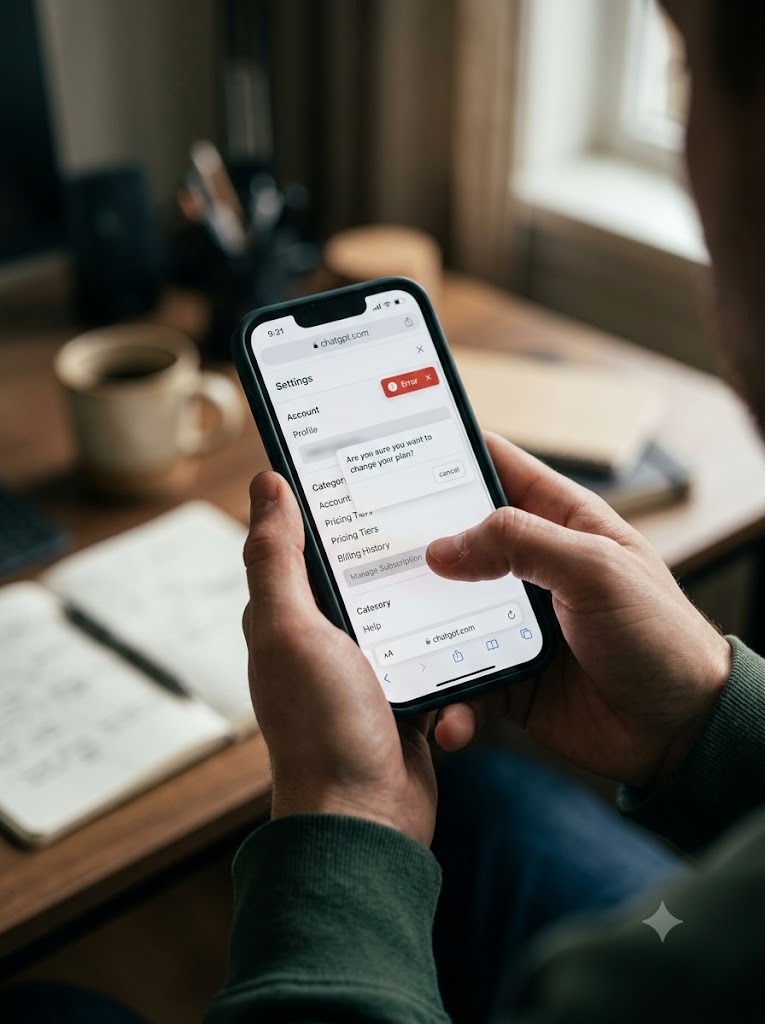
- Step 4: Click Manage Subscription (or My Plan).
- Step 5: On the resulting billing page, hit Cancel Plan and follow the prompts to confirm.
The “Missing Button” Workaround: Members of the OpenAI Developer Community have repeatedly flagged UI bugs in 2024, 2025, and into 2026 where the “Manage Subscription” button vanishes entirely. If your dashboard is glitching, experts recommend navigating directly to the chatgpt.com/pricing page while logged in, or digging up your original invoice email from Stripe, which contains a backdoor session link straight to your active billing portal.
How to Cancel ChatGPT on iPhone or iPad (Apple App Store)
Apple’s payment ecosystem is entirely walled off. If you used FaceID or Apple Pay to upgrade inside the iOS app, the ChatGPT website cannot help you.
- Step 1: Open the native Settings app on your iPhone or iPad.
- Step 2: Tap your Apple ID name at the top of the screen.
- Step 3: Tap Subscriptions.
- Step 4: Locate ChatGPT in your active list.
- Step 5: Tap Cancel Subscription and confirm.
How to Cancel ChatGPT on Android (Google Play Store)
Much like Apple, Google completely locks down subscriptions initiated through its marketplace.
- Step 1: Open the Google Play Store app and ensure you are logged into the correct Google account.
- Step 2: Tap your profile icon in the top-right corner.
- Step 3: Navigate to Payments & subscriptions, then tap Subscriptions.
- Step 4: Select your ChatGPT plan.
- Step 5: Tap Cancel subscription at the bottom and authorize the cancellation.
Workspace Plans: ChatGPT Business & Enterprise
If you are operating under a multi-seat license, standard cancellation rules do not apply. Individual team members physically cannot terminate these plans from their personal account settings. Only the designated workspace owner or billing admin can trigger a cancellation by navigating to Workspace Settings, selecting Billing, and clicking Manage Plan.
Can I get a refund after canceling ChatGPT Plus?
No, OpenAI strictly prohibits partial refunds for unused time within a billing cycle. Once you cancel, your premium features remain fully accessible until the end of your current cycle, after which your account reverts to the free tier. Exception: Due to regional consumer protection laws, residents of the EU, the UK, and Turkey retain a 14-day withdrawal right allowing for a full refund if requested shortly after purchase.
Does deleting the ChatGPT app cancel my subscription?
Absolutely not. This is arguably the most common—and costly—mistake consumers make. If you originally subscribed via an iPhone or an Android device, your recurring billing is managed entirely by Apple or Google servers. Deleting the application from your home screen leaves your recurring charges completely active.
Sources Quoted
- Gmelius / Tactiq / Fello AI: Provided 2026 platform billing structures, product tier release dates (Pro/Business), and specific platform cancellation steps.
- OpenAI Developer Community: Sourced directly for user reports detailing UI bugs, missing cancellation buttons, and functional workarounds involving Stripe invoicing links.

Leo Falsafi is a digital marketing veteran and senior journalist at Virlan.co, where he covers the intersection of digital marketing, gaming, and breaking US trending news. With nearly two decades of hands-on experience in SEO and digital strategy, Leo has consulted for and scaled hundreds of companies. His deep industry roots allow him to deliver sharp, fact-checked insights and analysis on the trends shaping today’s digital landscape.